
Spirometry solutions designed around your needs
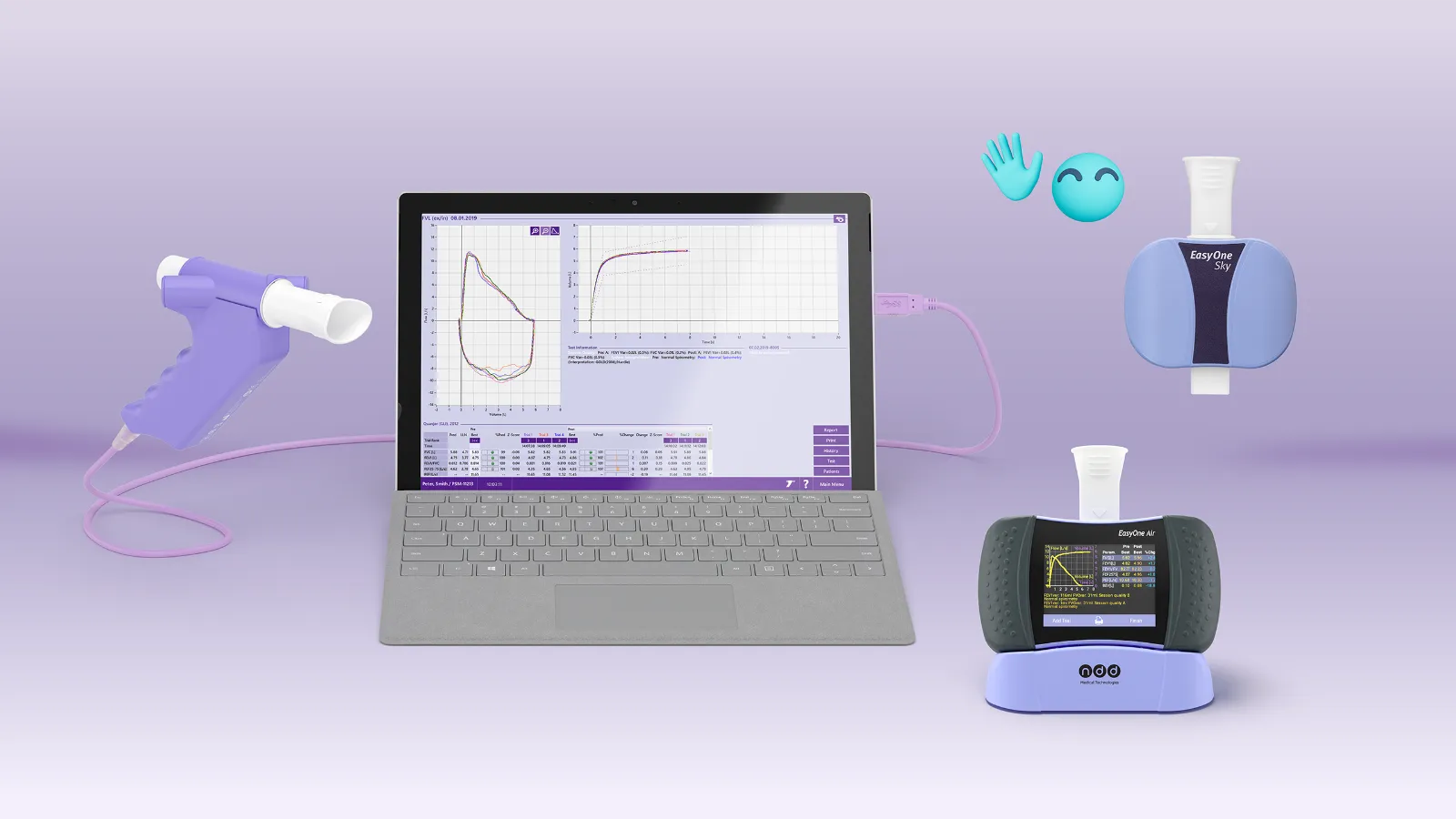
Complete spirometry solutions, backed by decades of expertise.
Choosing the right spirometer depends on testing volume, care setting, connectivity requirements, and the needs of both patients and healthcare providers. Whether you’re equipping a single primary care clinic, supporting a multi-site healthcare organization, or expanding pulmonary diagnostic services, ndd supports you with more than 30 years of lung health expertise.
EasyOne solutions combine clinically validated spirometers with intuitive software for standardized testing, reporting, and data management. Portable and PC-based options allow you to select a configuration that fits your clinical environment and can scale based on your needs.
From selecting the right spirometry device and integrating software to set up, training, and ongoing support, our team works with you every step of the way to ensure the EasyOne solution fits seamlessly into your clinical workflow.
Explore our spirometry solutions


EasyOne Air
Portable & PC spirometer- Flexible Use, Consistent Results
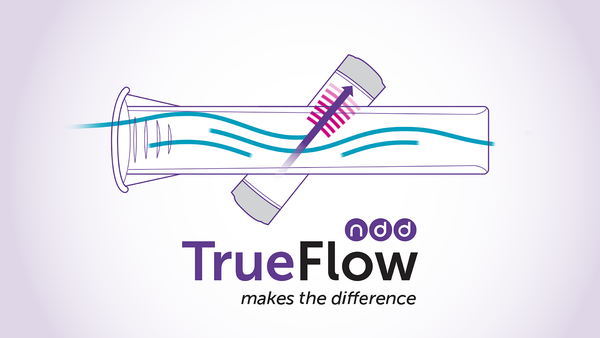
- Calibration-free TrueFlow™ Technology
- Color Touch Screen
- Bluetooth and EMR Connectivity
- New
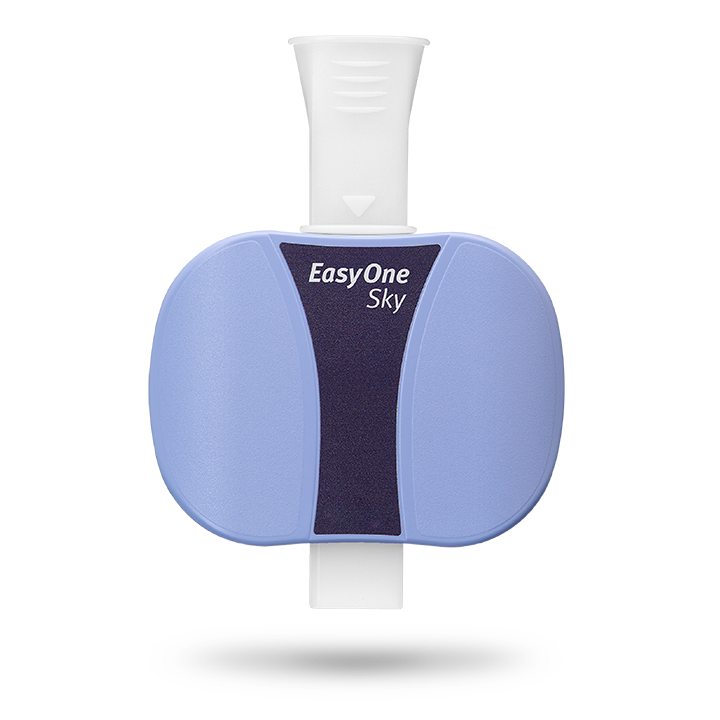
EasyOne Sky
Guided spirometry. Connected insights.- Simplified high-quality spirometry with Buddy
- nddHub - Advancing respiratory care through connected data
- HITRUST-certified, secure data with nddCloud
- Training that goes beyond go live


Easy on-PC
PC spirometer- Calibration-free & Quick Spirometry
- Quality Feedback & Interpretation
- Real-Time Animated Graphs and Incentives
- EMR Connectivity & Customized Settings
Which spirometry solution is right for you?
| Practice | Recommended | Why it is a good fit |
|---|---|---|
| Primary care & family medicine | EasyOne Air spirometer | Portable and easy to use, with a simple workflow that supports routine testing and staff training. |
| Health Care Systems/IDNs/Multi-clinic practices | EasyOne Sky spirometer | Connected spirometry designed for multi-site organizations, with centralized testing oversight, fleet management, and visibility that helps administrators manage spirometry across locations. |
| Allergy & Asthma | EasyOne Air or EasyOne Sky spirometer | EasyOne Air supports flexible, portable testing in individual practices, while EasyOne Sky provides connected workflows for allergy and asthma groups operating across multiple locations. |
| Occupational health | Easy on-PC spirometer | PC-based spirometry designed for efficient workplace respiratory testing, with intuitive software, organized data management, and streamlined reporting. |
| Clinical studies & research trials | EasyOne Air, EasyOne Sky, Easy on-PC spirometer | Flexible device and software options can support a wide range of study designs, testing environments, site structures, and data-management requirements. ndd works with research partners to identify the right solution for each trial. |
Why choose an ndd EasyOne spirometer?
Results you can trust
Easy to implement and use
Built for everyday clinical practice
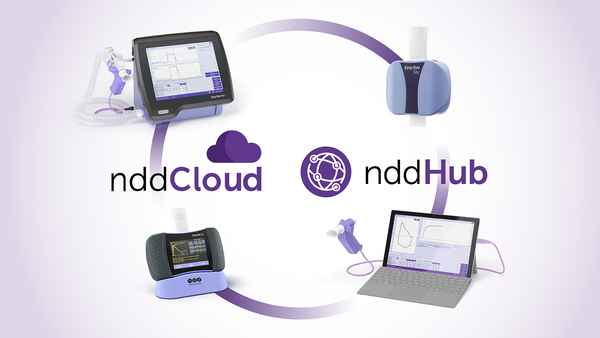
Connected software and cloud-based solutions
Trusted worldwide

Support beyond the device

Need help choosing a spirometer?
FAQs
How do you perform spirometry?
There are multiple steps for completing a spirometry test. For visual reference, you can review a video on how to perform a spirometry test by clicking the video button below.
- Take time to create a rapport with the patient—effective communication and participation between the patient and medical professional results in more consistent and robust testing results.
- Accurately measure the patient’s height.
- Carefully and correctly enter the patient data into the spirometer.
- Demonstrate the correct techniques and maneuvers to the patient prior to completing the test.
- Use body language to coach for a maximal inhalation.
- Loudly prompt them to BLAST out the air.
- For the next six seconds, quietly encourage the patient to continue BLASTING by saying, “keep going, keep going.”
- Monitor the patient carefully during the maneuvers.
- Obtain a good test session with a quality grade (A or B).
Meet Buddy—your spirometry coach, making spirometry testing easier and more enjoyable!
Learn more about Buddy!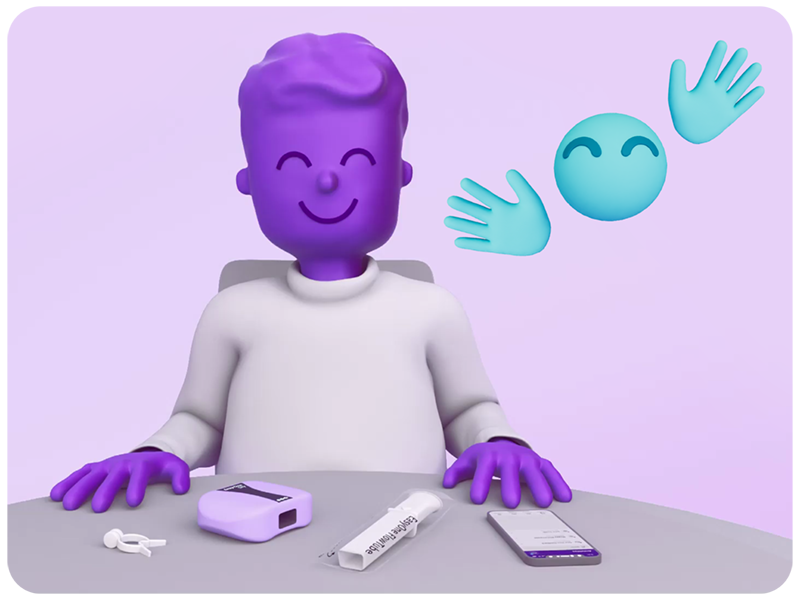
Open in new tabHow long does a spirometry test take?
A spirometry test typically takes 10 to 15 minutes, depending on the patient’s ability to follow instructions and complete the required breathing maneuvers. The test involves taking a deep breath and forcefully exhaling into a spirometry device multiple times to achieve accurate results.
Healthcare providers may repeat the test after administering a bronchodilator to assess lung function improvement. Proper coaching and technique are essential for reliable measurements.
Learn how to perform a spirometry test step by step.
Read the blog.
Open in new tabHow to coach a patient to perform spirometry
The typical spirometry exam is a three-phased process – each with their own coaching techniques to help patients produce an effective test.
- Phase 1
In the first phase, the goal is to instruct the patient on the proper techniques to apply their mouth to the spirometry mouthpiece. Best results are achieved when the patient takes a deep, deep breath, placing the mouthpiece between their teeth, and sealing the mouthpiece with their lips. - Phase 2
The second phase is the BLAST. This is when the patient will blow out as hard and as fast as possible. Coaching a patient in this phase is best achieved by developing a rapport with them prior to the exam, as the tester will learn which level of coaching is best for that individual patient. - Phase 3
The final phase is the remaining 5 to 6 seconds of exhalation. In this phase, you’ll quietly encourage the patient to “keep blowing” to complete the exhalation.
Open in new tab- Phase 1
What are the important parameters in spirometry?
A spirometry test will produce a series of results or parameters that help medical professionals easily complete this exam. The three most important spirometry parameters are the FEV1, FVC, and FEV1/FVC ratio parameters.
A simple guide to reading spirometry results.
Get the tips from Buddy
Open in new tabWhat indications are used for spirometry?
There are multiple patient-symptoms or medical conditions that justify the use of spirometry. A few of the most common indicators include:
- To manage asthma and COPD patients
- Evaluate shortness of breath
- Perform surveillance for occupational-related lung disease
- Evaluate former or current smokers over the age of 45 for COPD
- Classification of COPD. (COPD is an umbrella term that covers multiple respiratory diseases including chronic bronchitis, emphysema, and idiopathic pulmonary fibrosis (IPF))
- Monitor disease progression
- Measure response and progress due to treatment, medication, and respiratory therapy
- Smoking cessation
Open in new tabWhat spirometry tests do your devices offer?
The EasyOne Air, Easy on-PC, and EasyOne Sky spirometry devices can perform the following tests:
EasyOne Air: FVC, FVL, SVC, MVV and pre/post testing
Easy on-PC: FVC, FVL, SVC, MVV, provocation challenge testing, and pre/post testing
EasyOne Sky: FVC, FVL, Pre/Post-testing
Open in new tabWhat’s the difference between an incentive and diagnostic spirometer?
An incentive spirometer is primarily designed to encourage deep breathing and promote lung expansion. It is often used as a respiratory therapy device for patients recovering from surgery.
On the other hand, a diagnostic spirometer is a more comprehensive and precise device used for assessing lung function. It is primarily used in clinical settings by healthcare professionals to measure and evaluate various respiratory conditions. The spirometry results aid in the diagnosis, monitoring, and management of respiratory conditions such as asthma, COPD, and other lung diseases. Diagnostic spirometry devices provide more detailed and precise measurements for diagnostic and clinical purposes.
Open in new tabWhere can I buy an ndd EasyOne spirometry machine?
You can purchase an ndd spirometry machine through your authorized medical distributor. Not sure who you order through? Contact us.
Open in new tab